510 Battery

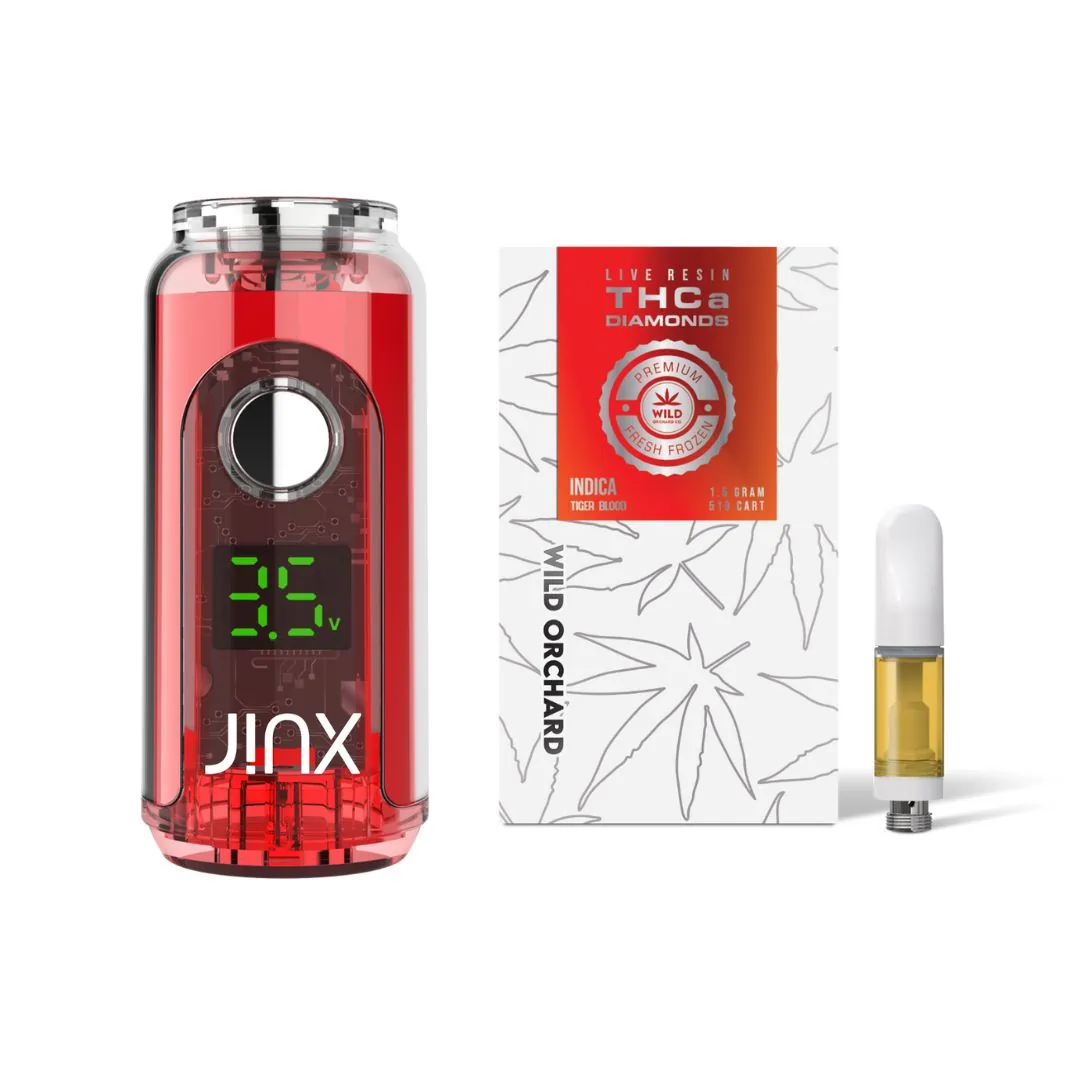
JINX FatBoy 510 Battery + THCa Diamond 510 Thread Cart Live Resin
$39.99

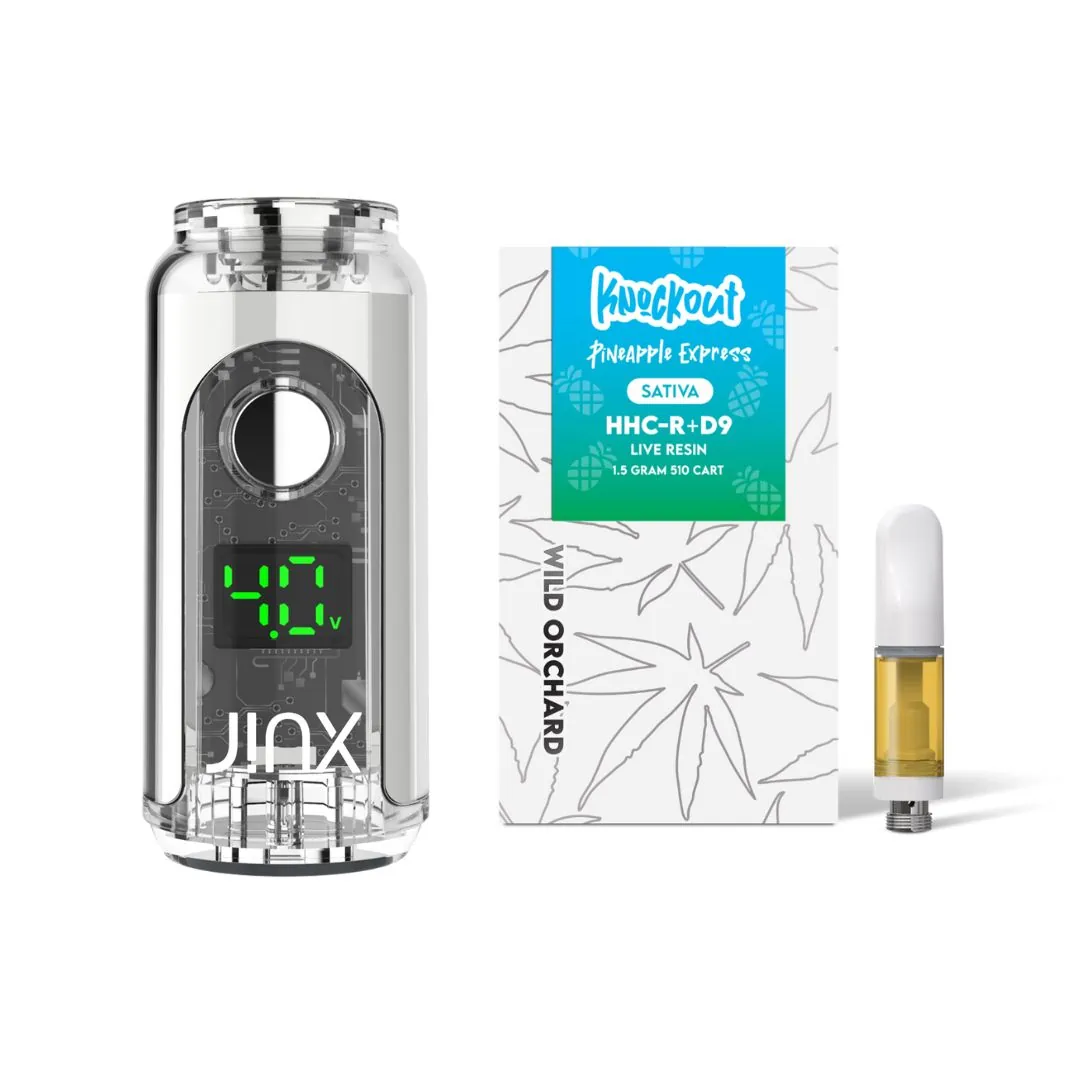
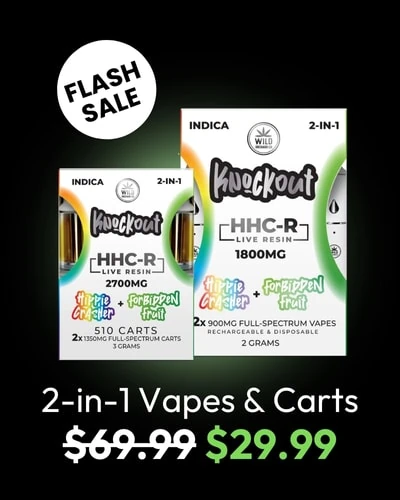
JINX FatBoy 510 Battery + Knockout 510 Thread Cart
$55.00 $49.99

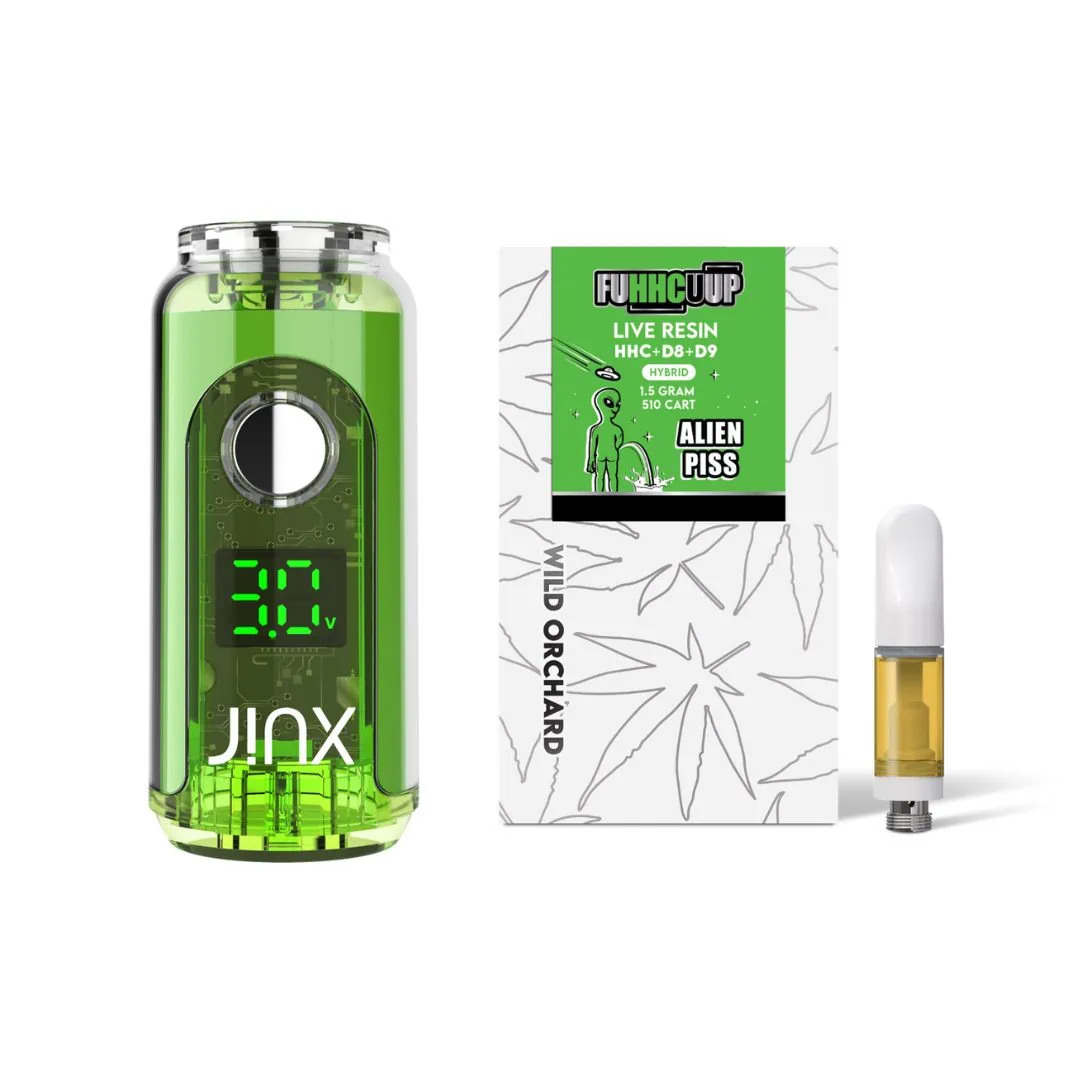
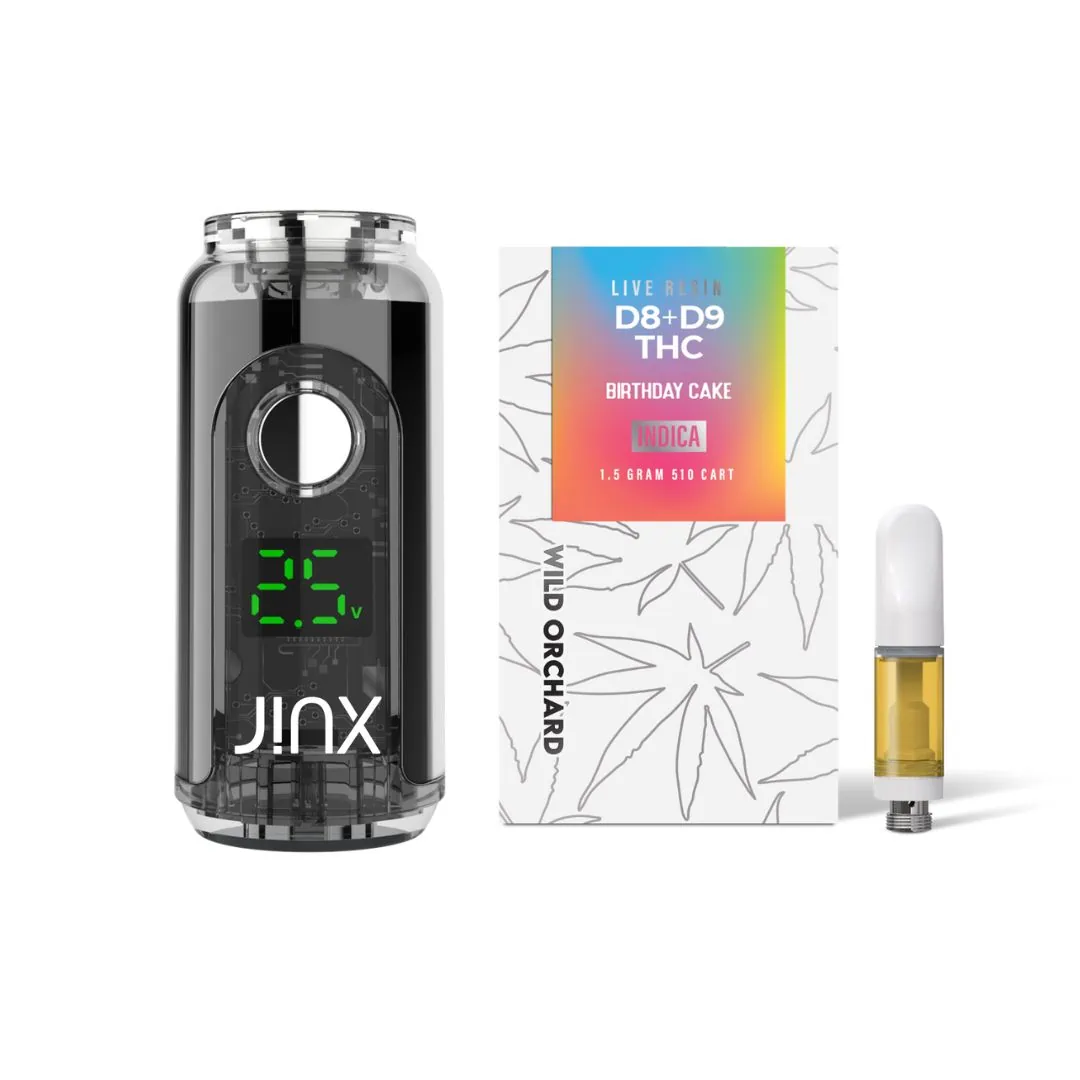
JINX FatBoy 510 Battery + D8 Live Resin 1.5G 510 Thread Cart
$45.00 $39.99

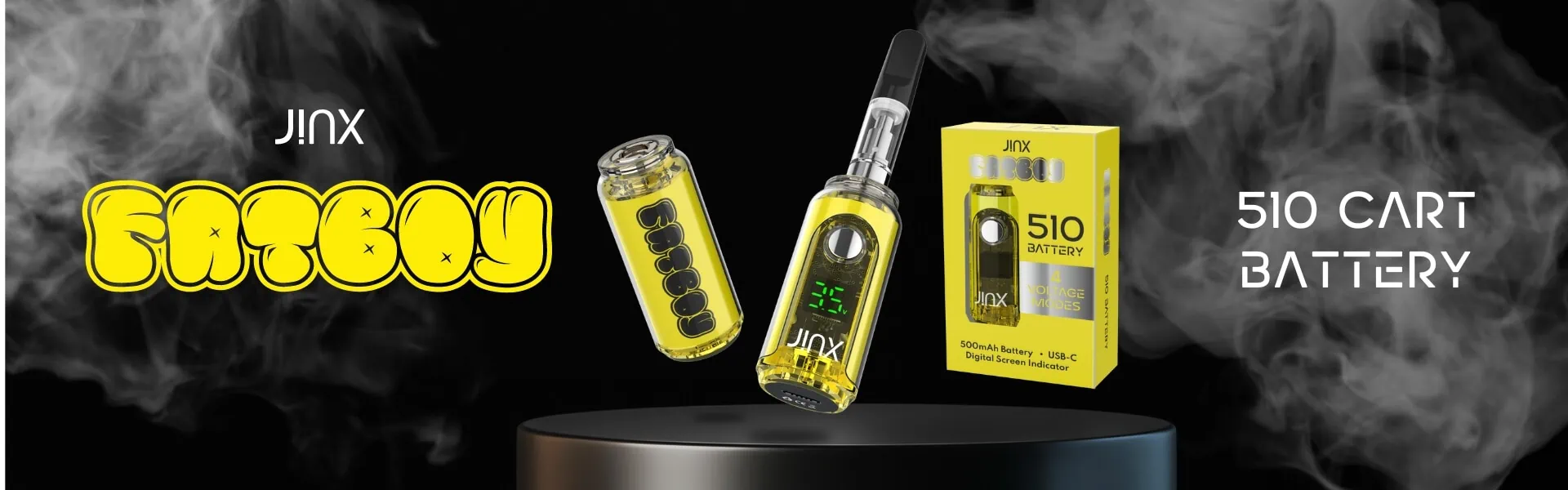
JINX FatBoy 510 Thread Battery
$14.99
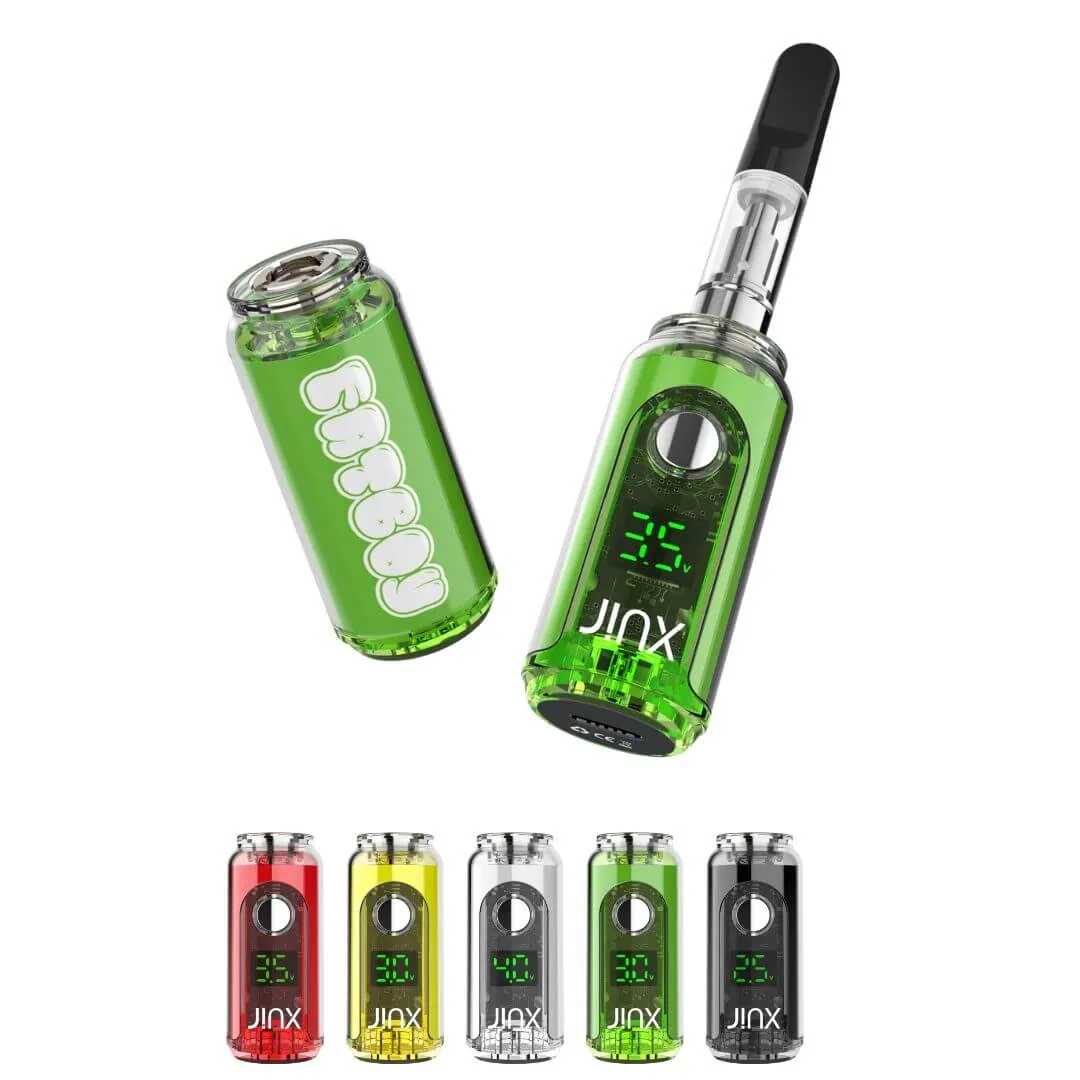
JINX Fatboy 510 Battery for Vape Cartridges
The JINX Fatboy 510 Battery is the perfect companion for your favorite vape cartridges. Built for durability and reliability, this sleek, rechargeable battery offers long-lasting power, ensuring a smooth vaping experience every time. Its 510-thread compatibility makes it universally compatible with most vape cartridges, while the compact design ensures easy portability for on-the-go use. With multiple heat settings, you can customize your vape experience to your preference, whether you prefer a lighter or more intense hit. The JINX Fatboy 510 Battery is perfect for both beginner and seasoned vapers looking for a high-quality, user-friendly device.
How to Use the JINX Fatboy 510 Battery for Vape Cartridges
Using the JINX Fatboy 510 Battery is simple and straightforward. Here’s a step-by-step guide to help you get the most out of your device:
- Charge the Battery
Before using your JINX Fatboy 510 Battery, ensure it is fully charged. Simply connect the included USB charger to the battery’s charging port and plug it into a USB power source. A light will indicate when charging is complete. - Attach Your Vape Cartridge
Screw your 510-threaded vape cartridge onto the JINX Fatboy 510 Battery. The threaded connection should align smoothly, and you should feel the cartridge securely attach to the device. - Turn On the Device
To power on the battery, press the power button 5 times rapidly. The light will flash to indicate that it’s turned on. - Adjust the Heat Settings
The JINX Fatboy offers multiple heat settings to customize your vaping experience. To adjust the temperature:- Press the power button 3 times to cycle through the different voltage settings.
- Choose your preferred setting based on the intensity of the vapor you desire. Lower voltages will provide a smoother, lighter vape, while higher voltages will deliver a stronger hit.
- Vape
Once the desired heat setting is selected, press and hold the power button while inhaling. The light will stay on while you’re holding the button. Release the button when you’re done inhaling. - Turn Off the Device
After use, press the power button 5 times rapidly to turn off the JINX Fatboy 510 Battery. This ensures the battery is safely powered down and conserves energy.
Tips:
Always ensure the battery is turned off when not in use to prevent accidental firing.
Keep the device clean and free of debris to ensure a smooth connection between the battery and cartridge.
Charge the device regularly to keep it performing at its best.
Enjoy a customized, powerful vaping experience with the JINX Fatboy 510 Battery!
SHOP NOW
SHOP NOW
SHOP NOW